How to Design a WordPress Website: A Complete Guide for South African Business Owners
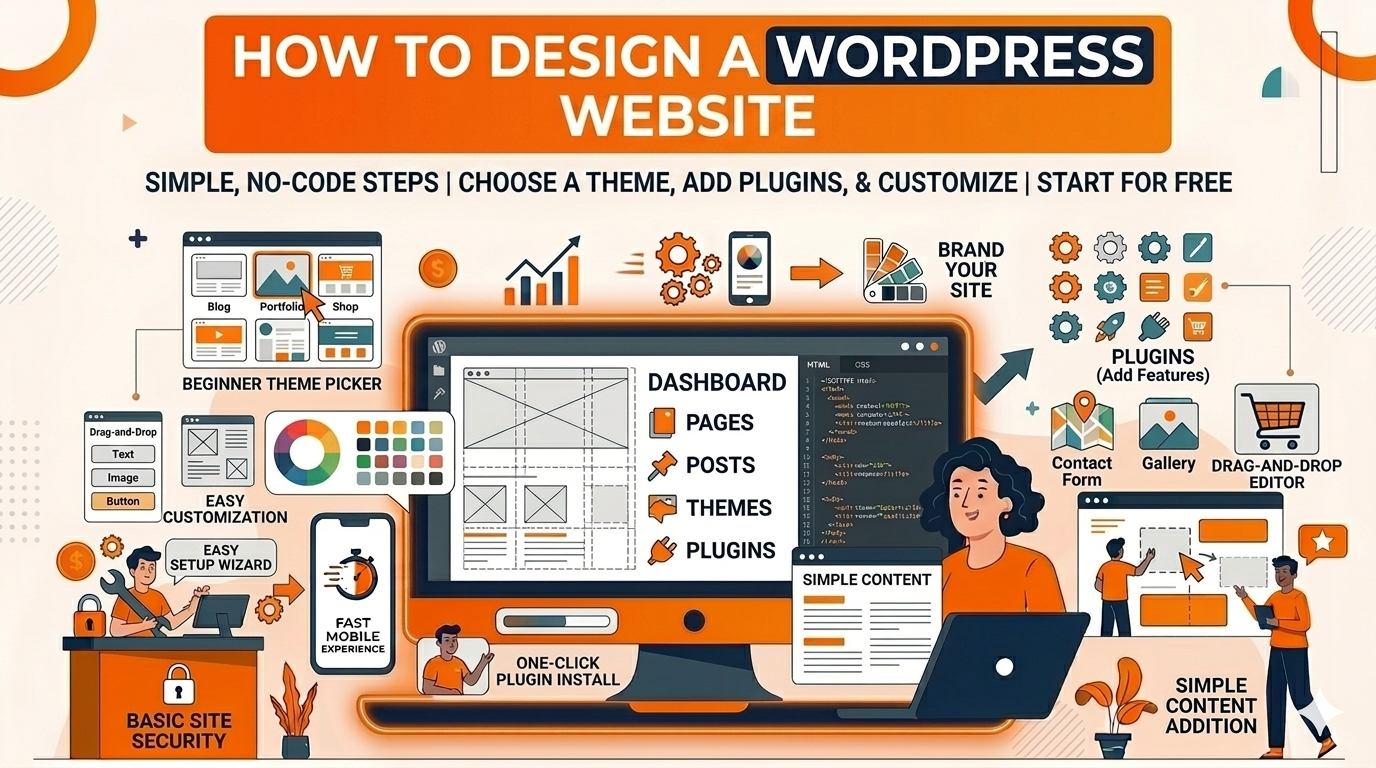
Ready to design a WordPress website for your business? This complete guide covers everything you need to know — from planning your website structure and choosing the right theme to designing your pages, optimising for Google, and going live with a site that looks professional and works on every device.
Why WordPress Is the Right Choice for Your Business Website
When South African business owners ask how to design a WordPress website, the first question is usually whether WordPress is really the right platform for them. The answer, for the vast majority of small and medium businesses, is yes. WordPress powers over 40% of all websites on the internet. It is free, open-source, endlessly flexible, and supported by thousands of themes and plugins that let you build almost any type of website without writing code.
More importantly, WordPress gives you complete ownership and control of your website. You are not locked into a monthly subscription with a proprietary platform. You can move hosts, change your design, add new functionality, and grow your site at your own pace — without paying a developer every time you want to make a simple change.
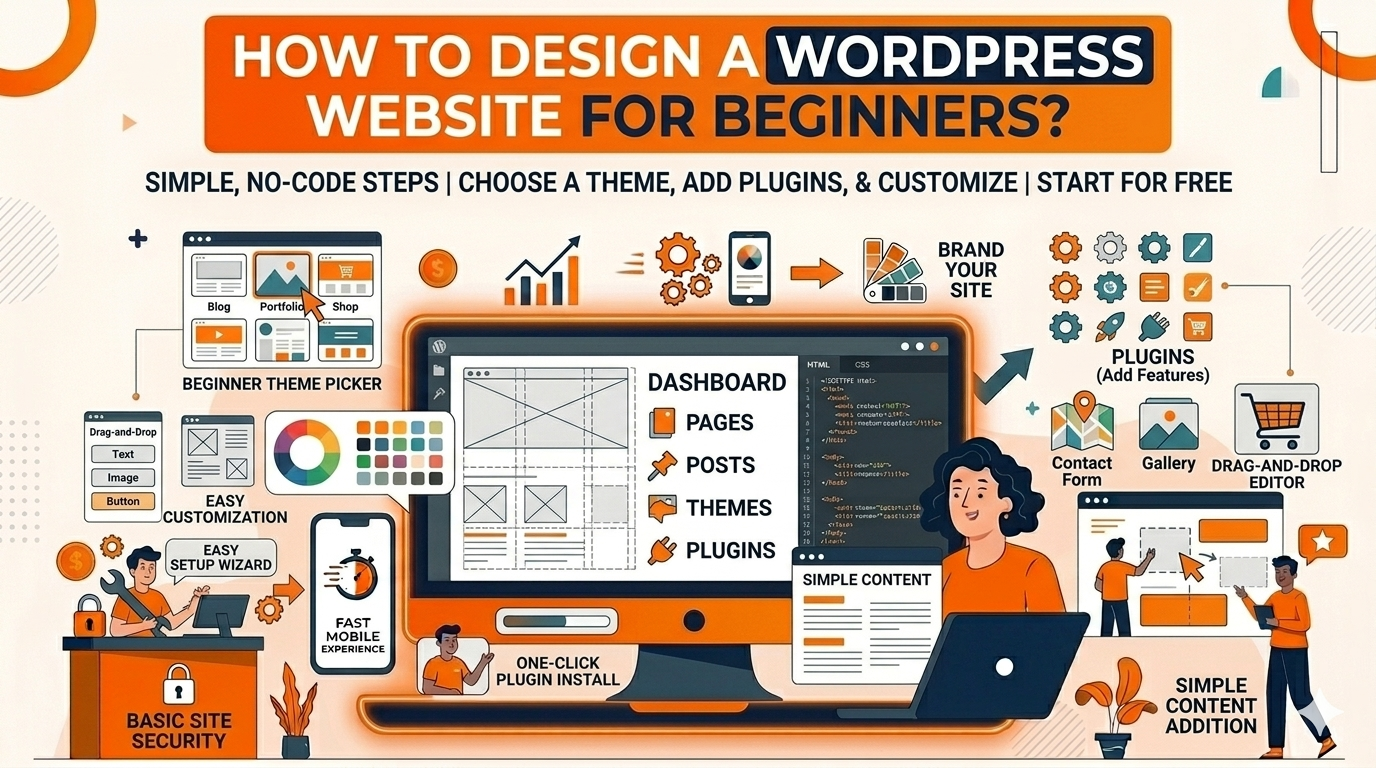
If you are new to WordPress and want to understand how it all works before diving into the design process, read our overview on what WordPress website design is. If you are a complete beginner and want a simpler starting point, see our guide on how to design a WordPress website for beginners.
If you would prefer a fully designed and configured WordPress website without doing it yourself, visit our WordPress website design service. We build professional, mobile-optimised websites for South African businesses at affordable rates.
Step 1 – Plan Your Website Before You Build Anything
The biggest mistake most South African business owners make when designing a WordPress website is jumping straight into choosing themes and colours before they have a clear plan. A little planning at the start saves hours of frustration later and results in a website that actually serves your business goals rather than just looking good.
Questions to Answer Before You Start Designing
- Who is your target customer and what are they looking for when they visit your website?
- What do you want visitors to do when they land on your site — call you, fill in a form, buy a product, or book an appointment?
- What pages does your website need — Home, About, Services, Contact, Blog, Portfolio?
- What sets your business apart from your competitors and how will your website communicate that clearly?
- Do you need to sell products or services online, or is this primarily an information and lead generation website?
- What is your budget and timeline — are you doing this yourself or working with a designer?
Map Out Your Website Structure
Before touching WordPress, sketch out your website structure on paper or in a simple document. List every page your site needs and how they connect to each other. A typical South African business website structure looks like this:
- Home – your first impression, main message, and primary call to action
- About – your story, your team, and why customers should trust you
- Services – what you offer, who it is for, and what it costs
- Contact – how to reach you, your location, and your opening hours
- Blog – optional but powerful for SEO and demonstrating expertise
Step 2 – Get Your Domain Name and Hosting
Your domain name is your website address on the internet — for example, yourbusiness.co.za. Your hosting is the server where all your website files are stored and served to visitors. You need both before you can install WordPress and start designing.
Choosing the Right Domain Name for Your South African Business
- Use your business name or a clear, descriptive phrase that reflects what you do
- Keep it short, easy to spell, and easy to say out loud — your domain will be on business cards, social profiles, and email signatures
- Choose a .co.za domain extension for maximum local trust and the best performance in South African Google search results
- Register your domain through a reputable South African registrar such as xneelo, Afrihost, or Domains.co.za
- Avoid hyphens and numbers — they confuse people when you share your web address verbally
Choosing WordPress Hosting in South Africa
- Choose a hosting provider with servers based in South Africa for the fastest page load speeds for local visitors
- Ensure your hosting plan includes a free SSL certificate — this gives your site the https padlock and is non-negotiable for trust and Google rankings
- Look for one-click WordPress installation — it makes the setup process fast and simple
- Confirm that daily automated backups are included in your plan
- xneelo and Afrihost are reliable, locally supported options that work well for most South African business websites
Step 3 – Install and Configure WordPress
Once your domain and hosting are in place, installing WordPress takes less than five minutes using your hosting provider’s one-click installer. After installation, spend a few minutes configuring the basic settings before you move on to design.
Install WordPress via Your Hosting Control Panel
Log into your hosting control panel, find the WordPress installer (usually under Softaculous or a similar tool), select your domain, set your site name and admin credentials, and click Install. WordPress will be ready in under two minutes.
Configure Your Basic WordPress Settings
Log into your WordPress dashboard at yourdomain.co.za/wp-admin. Go to Settings then General and confirm your site title, tagline, and timezone are correct. Go to Settings then Reading and make sure search engines are not being discouraged from indexing your site. Go to Settings then Permalinks and select Post Name for clean, readable URLs.
Delete the Default Content
WordPress installs with a sample post, a sample page, and a default comment. Delete all of these from your Posts, Pages, and Comments sections in the dashboard before you start building your real content.
Step 4 – Choose the Right WordPress Theme for Your Business
Your WordPress theme controls the visual framework of your website — the layout structure, default typography, header and footer style, and overall design language. Choosing the right theme is one of the most important decisions in the entire WordPress design process. For a dedicated guide on this topic, read our article on how to design a website using a WordPress theme.
The Best WordPress Themes for South African Business Websites
- Astra – the most popular lightweight WordPress theme in the world. Fast, flexible, works perfectly with Elementor, and comes with dozens of free professional starter templates. The best all-round choice for most South African business websites
- Kadence – a strong alternative to Astra with excellent built-in design controls and a generous free version that includes starter templates
- GeneratePress – extremely lightweight and performance-focused. Ideal if page speed is your top priority
- Blocksy – a modern, full-site editing theme with strong design flexibility built into the free version
What to Avoid When Choosing a WordPress Theme
- Avoid themes that are not regularly updated — outdated themes create security vulnerabilities
- Avoid themes packed with built-in features you will never use — they slow your site down and make maintenance harder
- Avoid free themes from unknown developers outside the official WordPress theme directory — they can contain malicious code
- Do not choose a theme based on looks alone — test it for speed and ease of customisation before committing
Both Astra and Kadence offer free starter templates — fully designed website layouts that you can import with one click and then customise with your own content and branding. This is the fastest way to get a professional-looking WordPress website without designing every section from scratch.
Step 5 – Design Your Website With a Page Builder
A page builder is a visual drag-and-drop tool that lets you design WordPress pages without writing any code. Instead of working in a text editor, you see your design come to life on screen as you build it — adding sections, columns, images, text blocks, buttons, and more by dragging them into place.
Elementor: The Best Page Builder for Designing a WordPress Website
Elementor is the most widely used WordPress page builder in the world and the best option for designing a professional website in South Africa. The free version gives you everything you need to design a complete business website. Install it from the WordPress plugin directory, activate it, and then open any page and click Edit with Elementor to start designing.
Import a Starter Template
If you are using Astra or Kadence, import a free starter template that matches the style and layout you want. This gives you a professionally designed starting point — all you need to do is replace the placeholder content with your own text, images, and branding.
Set Your Global Colours and Fonts
Before designing individual pages, set your global brand colours and typography in Elementor’s Site Settings panel. This ensures consistency across every page of your website and saves you from having to set colours and fonts manually every time you add a new element.
Design Your Header and Footer
Your header and footer appear on every page of your website. Design your header with your logo, navigation menu, and a prominent phone number or WhatsApp link. Design your footer with your contact details, key navigation links, social media icons, and any legal pages like your Privacy Policy.
Build Each Page Section by Section
Design each page from top to bottom, working section by section. Start with your hero section — the first thing visitors see — then add your content sections, social proof elements, and a final call-to-action section at the bottom of each page. Always preview your design on mobile as you go.
Want Your WordPress Website Designed by Professionals?
We design and build custom WordPress websites for South African businesses — mobile-optimised, SEO-ready, and built to convert visitors into customers.
Step 6 – Build Your Key Pages the Right Way
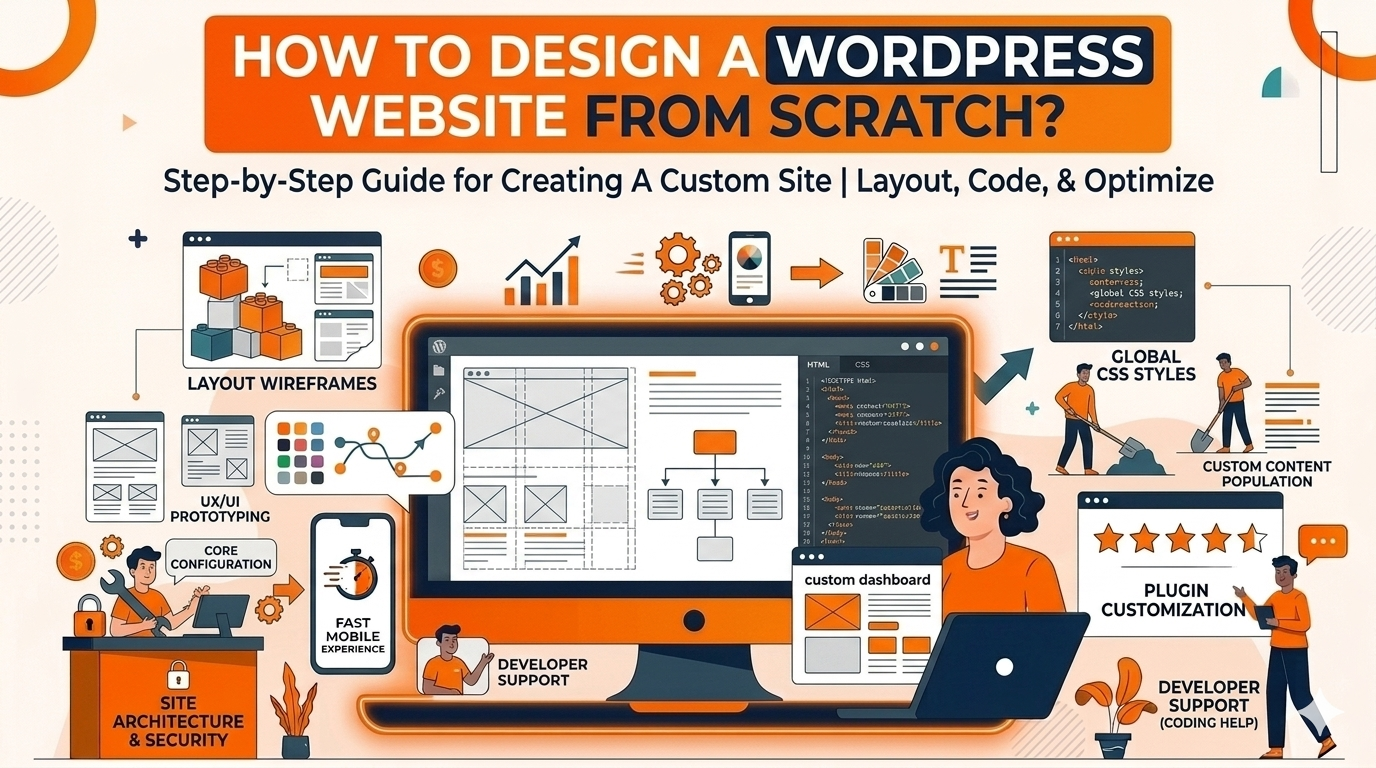
Every page on your WordPress website has a job to do. Designing attractive pages is not enough — each page needs to be structured to guide visitors towards taking the action you want them to take. Here is how to design the most important pages on a South African business website correctly. For a detailed walkthrough, see our guide on how to design a WordPress website from scratch.
Homepage — Your Most Important Page
- Lead with a clear, compelling headline that tells visitors exactly who you help and how
- Include a strong primary call-to-action button above the fold — before visitors have to scroll
- Summarise your key services with brief descriptions and links to your full service pages
- Include social proof — client testimonials, logos of businesses you have worked with, or results you have achieved
- End with a final call to action that makes it easy for ready buyers to take the next step
About Page — Build Trust and Connection
- Tell your real story — why you started your business and what drives you
- Include genuine photos of yourself, your team, or your workspace — South African customers connect with real people
- Share your values, your approach to your work, and what makes your business different
- Add a call to action at the bottom inviting visitors to get in touch or view your services
Services Page — Convert Interest Into Enquiries
- Dedicate a clear section or individual page to each service you offer
- Describe what is included, who the service is for, and what the outcome or benefit is
- Show pricing where possible — customers who can see your rates without having to ask are more likely to enquire
- End every service description with a direct call to action — a button that links to your contact page or a WhatsApp chat
Contact Page — Make It Easy to Reach You
- Include a simple contact form — name, email, phone number, and message field is all you need
- Display your phone number prominently with a clickable link so mobile visitors can call with one tap
- Add a WhatsApp link — South African customers prefer WhatsApp for quick enquiries
- Include your physical address or service area so visitors know where you operate
- Add your business hours so customers know when they can expect a response
Step 7 – Set Up the Right WordPress Plugins
Plugins extend what WordPress can do. The right plugins make your website faster, more secure, easier to find on Google, and more functional for your customers. The wrong approach — installing too many plugins or choosing poorly maintained ones — slows your site down and creates security risks. Install only what you genuinely need.
The Essential WordPress Plugins for a South African Business Website
- Rank Math SEO – the most comprehensive and beginner-friendly SEO plugin for WordPress. Helps you optimise every page for Google with clear guidance and a simple scoring system
- WP Rocket or LiteSpeed Cache – page caching and performance optimisation that significantly speeds up your WordPress website
- Wordfence Security – a firewall and malware scanner that protects your WordPress site from hackers and malicious attacks
- WPForms – the easiest contact form plugin for WordPress, with a drag-and-drop builder and reliable form delivery
- UpdraftPlus – automated backups to Google Drive or Dropbox so your website is always protected
- Smush or ShortPixel – automatic image compression to keep your website loading fast as your content grows
Every plugin you install adds weight to your WordPress website and potentially introduces security vulnerabilities. Audit your plugins regularly. If you are not actively using a plugin, deactivate and delete it. A lean, well-configured plugin set always outperforms a bloated one.
Step 8 – Optimise Your WordPress Website for Mobile and Page Speed
The majority of South African internet users browse on mobile devices. A WordPress website that looks great on desktop but is clunky, slow, or difficult to navigate on a phone will lose the majority of your potential customers before they even read your content. Mobile optimisation and page speed are not optional extras — they are fundamental to how you design a WordPress website in South Africa today.
How to Optimise Your WordPress Website for Mobile
- Preview every page in Elementor’s mobile view as you design and fix any layout issues before publishing
- Use large, easy-to-tap buttons — minimum 44 pixels tall so they are comfortable to press with a thumb
- Ensure your text is readable on small screens without zooming — a minimum of 16px font size for body text
- Test your navigation menu on mobile — a clean hamburger menu that opens and closes smoothly is essential
- Check that your contact form works correctly on mobile and that the submit button is easy to tap
How to Improve WordPress Page Speed for South African Visitors
- Choose South African hosting with fast local servers — this reduces the physical distance data has to travel to reach your visitors
- Install a caching plugin like WP Rocket or LiteSpeed Cache — caching stores a ready-to-serve version of your pages so they load faster for every visitor
- Compress all images before uploading — use Smush or ShortPixel to automate this process
- Choose a lightweight theme like Astra or GeneratePress — avoid themes that load unnecessary scripts and styles
- Test your page speed regularly using Google PageSpeed Insights and act on the recommendations it gives you
Step 9 – Design Your WordPress Website for SEO from Day One
SEO — search engine optimisation — determines whether your WordPress website appears on Google when potential customers search for your services. A well-designed WordPress website that Google cannot find generates no organic traffic and no enquiries. Building SEO into your website from the moment you start designing is far more effective than trying to add it afterwards.
WordPress SEO Design Checklist for South African Businesses
- Install Rank Math SEO and complete the full setup wizard — it walks you through all critical SEO settings step by step
- Set your permalink structure to Post Name under Settings then Permalinks for clean, keyword-rich URLs
- Write a unique, keyword-rich SEO title and meta description for every page on your website
- Include your primary keyword naturally in the H1 heading and the first paragraph of every page
- Add your location to key pages and service descriptions — for example, “WordPress website designer in Johannesburg” or “web design services Cape Town” — to capture local search traffic
- Write descriptive alt text for every image — describe what is shown in the image using natural language
- Link between related pages on your website to help Google understand your site structure and help visitors navigate
- Submit your XML sitemap to Google Search Console so Google can crawl and index every page on your site
- Connect Google Analytics to track your traffic and understand how visitors are finding and using your website
Want Your WordPress Website Found on Google?
We build every WordPress website with on-page SEO set up correctly from day one — so you start getting found by local customers as soon as your site goes live.
Step 10 – Test and Launch Your WordPress Website
Your WordPress website design is complete — but before you go live, run through a thorough test to make sure everything works correctly. A broken contact form, a page that does not display correctly on mobile, or an SSL certificate that has not been activated properly can all damage your credibility with the first visitors who land on your site.
WordPress Website Launch Checklist
- Open every page on your mobile phone and check the layout, text readability, button sizes, and image display
- Complete your contact form and confirm the submission lands in your email inbox
- Click every link in your navigation menu and every button across all pages to check for broken links
- Confirm that your website shows https and a padlock in the browser — your SSL certificate must be active before launch
- Go to Settings then Reading and verify that the option to discourage search engines from indexing your site is unticked
- Submit your XML sitemap to Google Search Console
- Run your homepage through Google PageSpeed Insights and resolve any critical performance issues
- Test your website on Chrome, Safari, Firefox, and Edge to check for cross-browser display issues
- Set up your first automated backup with UpdraftPlus before announcing your new website
- Connect your website to Google Analytics so you can track traffic from day one
Your WordPress website does not need to be perfect before it goes live. Launch with what you have, get it in front of real visitors, and use the feedback and data you collect to improve it continuously. A live, imperfect website generates business. A perfect website that is still being designed generates nothing.
- Plan your website structure and goals before touching WordPress — knowing what each page needs to achieve makes every design decision easier
- Register a .co.za domain and choose South African hosting with local servers for the fastest performance
- Use a lightweight theme like Astra or Kadence and a starter template to get a professional design without starting from scratch
- Design your pages visually with Elementor — no coding required
- Set your global colours, fonts, header, and footer before designing individual pages for consistency across your entire site
- Install only the essential plugins — SEO, caching, security, backups, and a contact form
- Optimise every page for mobile — most South African visitors will see your website on a phone first
- Build SEO into your design from day one — set up Rank Math, configure your URLs, and submit your sitemap to Google Search Console
- Test thoroughly before launch and keep improving your website after it goes live