How to Host an Ecommerce Website: A Step-by-Step Guide for Small Businesses in South Africa
Learn how to host an ecommerce website in South Africa — from choosing the right hosting plan and domain to setting up SSL, installing WooCommerce, and going live. Written for South African business owners with no technical background.
What Is Ecommerce Hosting and Why Does It Matter for South African Businesses?
Hosting an ecommerce website is different from hosting a regular business website. Your online store needs to handle product listings, customer data, payment processing, and orders — all while staying fast, secure, and always online. Getting your hosting wrong can mean slow load times, security breaches, or lost sales.
For South African small business owners, understanding how to host an ecommerce website properly is the foundation of building a successful online store. Whether you are selling handmade goods in Durban or running a clothing boutique in Johannesburg, the right hosting setup protects your business and your customers.
Before you dive in, it helps to understand what makes an ecommerce website work. Read our guide on what makes an ecommerce website successful and get a full overview of what an ecommerce website is to build a solid foundation.
At 99Webiz, all the ecommerce websites we build for South African businesses run on WordPress with WooCommerce — the combination that gives you full ownership, flexibility, and no ongoing platform fees eating into your margins.
Step 1 – Choose the Right Hosting Plan for Your Online Store
Not all web hosting plans are suitable for ecommerce. Your online store needs a host that can handle simultaneous shoppers, fast database queries for product catalogues, and secure payment processing. Choosing South African or Africa-based servers also ensures your store loads quickly for local shoppers.
What to Look for in Ecommerce Hosting in South Africa
- South African or African-based servers for fast local page loading
- Support for WooCommerce or other ecommerce platforms
- Free SSL certificate included (essential for taking payments online)
- Reliable uptime of 99.9% or better — downtime means lost sales
- At least 5 GB storage for product images and files
- Affordable pricing starting from R80–R250 per month for ecommerce-ready plans

Ecommerce-ready shared hosting typically costs R80–R250/month in South Africa. For a small online store, shared hosting is sufficient when starting out. As your store grows and traffic increases, you can upgrade to a VPS (Virtual Private Server) for better performance.
Step 2 – Register a Domain Name for Your Online Store (.co.za or .com)
Your domain name is the address shoppers type to find your store — for example, yourbrand.co.za. A good domain builds trust with South African customers and signals to Google where your business operates, which helps with local search rankings.
Tips for Choosing a Good Ecommerce Domain Name
- Keep it short, easy to spell, and easy to say out loud
- Include your brand name or main product category where possible
- Choose .co.za for South African stores — it is trusted locally and costs from R65/year
- Avoid hyphens and numbers — they look unprofessional in store URLs
- Make sure it does not infringe on any existing trademarks
Step 3 – Set Up Your SSL Certificate (Essential for Ecommerce)
An SSL certificate encrypts the connection between your store and your customers — it is the reason you see the padlock icon in the browser address bar. Without SSL, browsers will warn visitors that your site is not secure, and no one will enter their payment details on an unsecured website. Most South African hosts provide a free Let’s Encrypt SSL certificate — make sure it is activated before you accept any orders.
Running an ecommerce store without an active SSL certificate is both a security risk and a legal liability. Major payment gateways like PayFast and PayGate will not process payments on a site without a valid SSL certificate. Always confirm your SSL is active before going live.
Step 4 – Install WordPress and WooCommerce
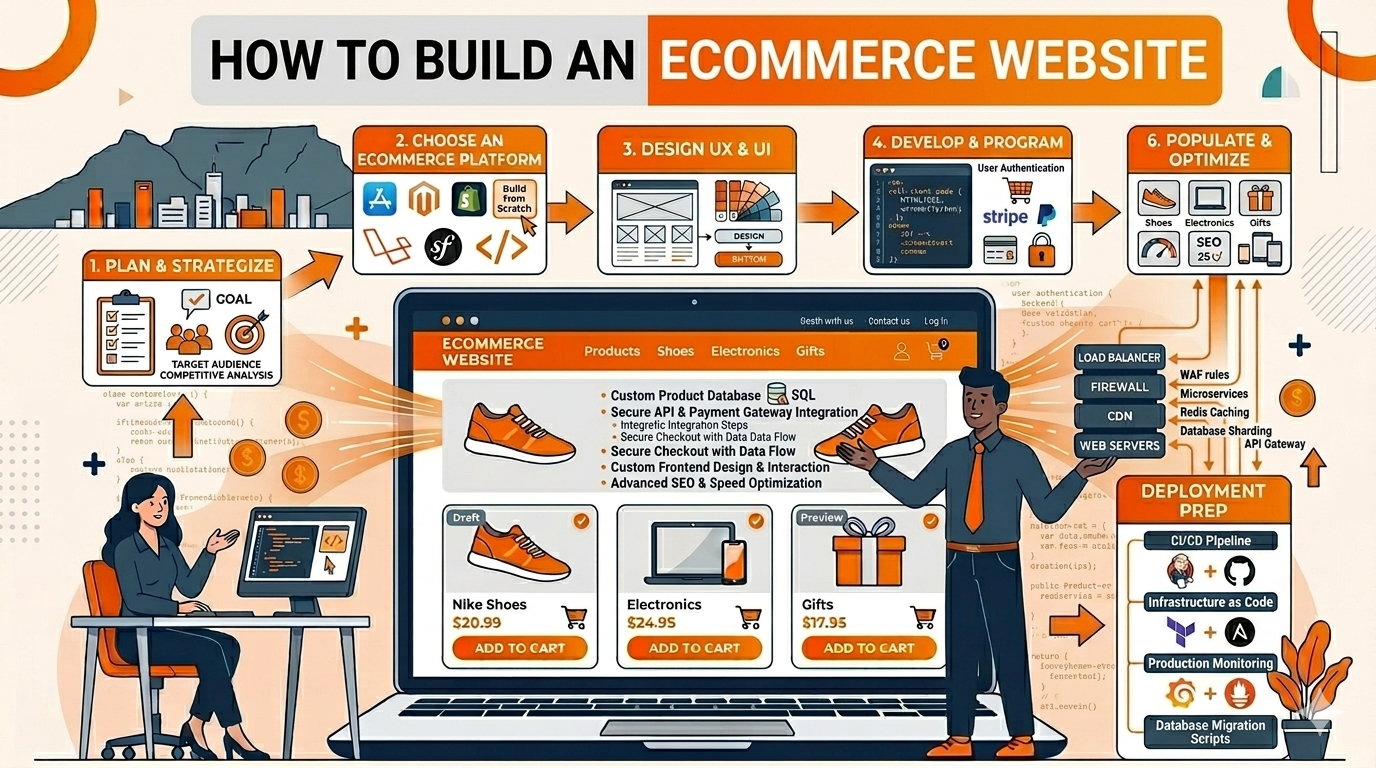
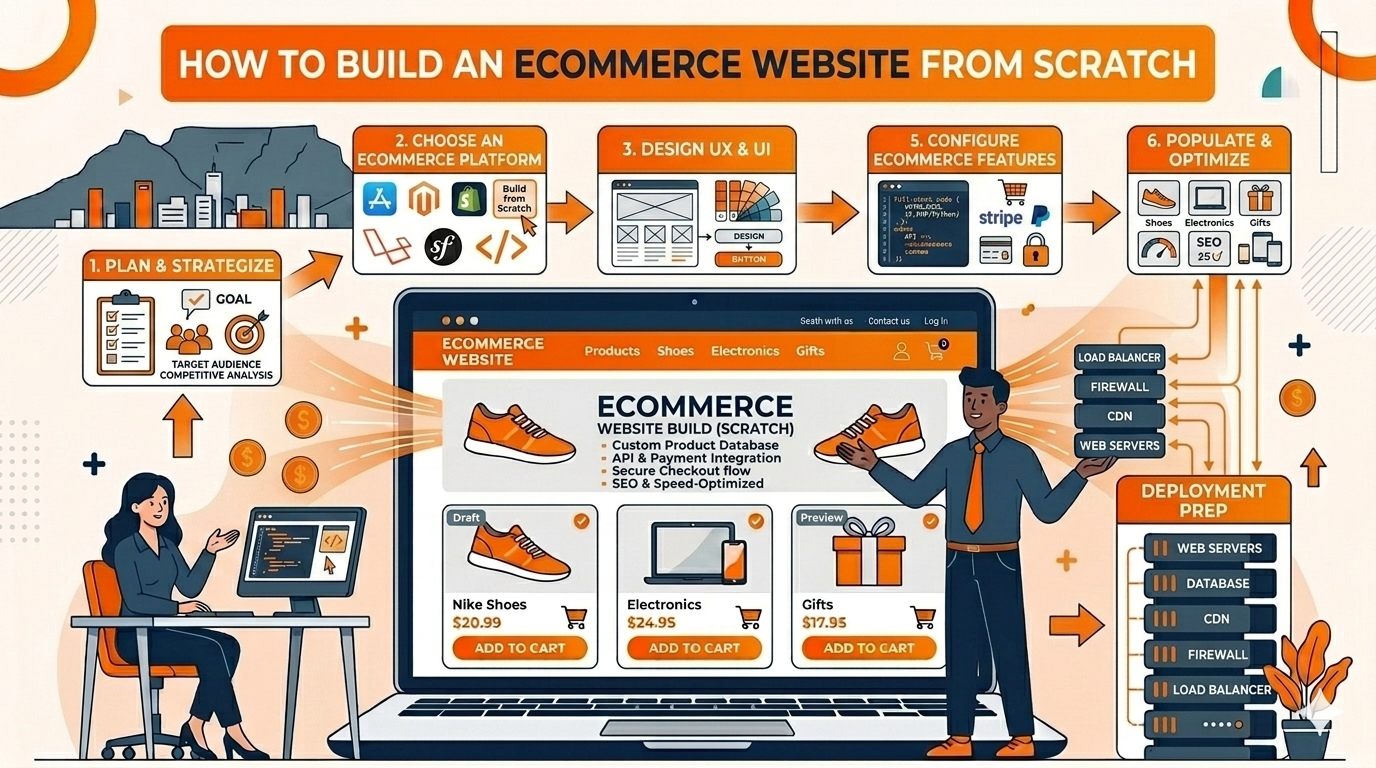
Once your hosting, domain, and SSL are ready, you can install your ecommerce platform. We recommend WordPress with WooCommerce for South African online stores — it gives you full ownership of your store, no transaction fees, and works with all major South African payment gateways. For a full walkthrough, read our guide on how to build an ecommerce website from scratch.
Install WordPress via Your Hosting Control Panel
Log in to your cPanel or hosting dashboard and use the one-click installer (usually Softaculous) to install WordPress. Fill in your store name, admin username, and a strong password. This takes under 5 minutes.
Install the WooCommerce Plugin
Inside your WordPress dashboard, go to Plugins → Add New and search for “WooCommerce”. Install and activate it. The WooCommerce setup wizard will guide you through setting your store location, currency (ZAR), and payment preferences.
Configure Your Payment Gateway
South African online stores should integrate with PayFast, Peach Payments, or PayGate — all have free WooCommerce plugins. These gateways support card payments, instant EFT, and SnapScan, giving your customers flexible ways to pay.
Rather Have Us Build and Host It For You?
Our ecommerce website design service includes full hosting setup, WooCommerce installation, payment gateway integration, and a professional design — all done for you.
Step 5 – Choose an Ecommerce Theme for Your Online Store
Your theme controls how your store looks and how easy it is for customers to browse and buy. For ecommerce, you need a theme that is fast-loading, mobile-friendly, and designed with the shopping experience in mind — a slow or confusing store loses customers before they even reach checkout. Read our full guide on how to build an ecommerce website for more detail on getting the design right.
Recommended Ecommerce Themes for South African Stores
- Astra – extremely fast, WooCommerce-ready, and works well with Elementor
- Kadence – modern and beginner-friendly with built-in WooCommerce styling
- Flatsome – a popular premium theme built specifically for WooCommerce stores
A heavy theme with too many animations and unnecessary features will slow your online store down significantly. A one-second delay in page load time can reduce conversions by up to 7%. Choose a lightweight theme and keep it lean.
Step 6 – Install Essential Ecommerce Plugins
Plugins extend the functionality of your WooCommerce store. Install only what you need — too many plugins slow your site down and create security vulnerabilities. Here are the essential plugins for a South African online store.
Rank Math SEO (Free) – for Search Engine Optimisation
Helps you optimise each product page and category for Google so South African shoppers can find your store when searching for your products.
WP Rocket or LiteSpeed Cache – for Store Speed
Caches your store pages so they load faster for shoppers. Page speed is critical for ecommerce — slow stores lose customers to competitors.
PayFast for WooCommerce – for South African Payments
Integrates PayFast directly into your WooCommerce checkout. Supports card payments, instant EFT, Mobicred, SnapScan, and more — essential for selling to South African customers.
Wordfence Security – for Store Protection
Protects your ecommerce store from hacking attempts, malware, and brute-force login attacks. An attacked store can compromise your customers’ payment data — do not skip this.
UpdraftPlus – for Automatic Backups
Automatically backs up your entire store — including orders and customer data — to Google Drive or Dropbox. Essential for any live ecommerce site.
Step 7 – Set Up Your Core Store Pages
A professional ecommerce website needs several core pages in place before you go live. Each page plays an important role in building customer trust and converting visitors into buyers.
- Home – showcase your best products, promotions, and a clear call to action to shop now
- Shop / Products – your full product catalogue with filters, categories, and search
- Product Pages – high-quality images, clear descriptions, pricing, and an add-to-cart button
- About Us – your story and why South African customers should trust you
- Shipping & Returns – your delivery policy, courier partners, and returns process (critical for trust)
- Contact – phone, WhatsApp, email, and a contact form for pre- and post-sale support
- Privacy Policy & Terms – legally required for any South African ecommerce store under POPIA
Step 8 – Basic SEO Setup So Google Can Find Your Online Store
SEO is how you get your ecommerce store appearing on Google when South African shoppers search for what you sell. You do not need to be an expert — getting the basics right from day one gives your store a major advantage over competitors who ignore SEO.
Basic Ecommerce SEO Checklist for South African Stores
- Install Rank Math or Yoast SEO and optimise every product page title and meta description
- Include your city or region in key pages (e.g. “Online Clothing Store South Africa” or “Buy Sneakers in Durban”)
- Make sure your site is set to allow search engine indexing in Settings → Reading
- Submit your XML sitemap to Google Search Console
- Set up a Google Business Profile so your store appears on Google Maps for local searches
- Use your target keywords naturally in product names, descriptions, and category headings
- Optimise all product images with descriptive ALT text and compressed file sizes
Need Help with Ecommerce SEO in South Africa?
We offer affordable local SEO services from R799/month to help your online store rank higher on Google for your target products and city keywords.
- Choose ecommerce-ready hosting with South African servers and at least 5 GB storage
- Register a .co.za domain for local trust and better Google ranking in South Africa
- Always activate your SSL certificate before taking any payments
- Install WordPress and WooCommerce — the most flexible ecommerce platform for South African stores
- Connect a South African payment gateway like PayFast or Peach Payments
- Use a lightweight, fast theme like Astra or Kadence — speed wins sales
- Install only essential plugins — security, speed, SEO, and backups
- Create all core store pages including Shipping, Returns, and a Privacy Policy
- Set up basic SEO from day one using Rank Math and Google Search Console