How to Build an Ecommerce Website in South Africa: A Step-by-Step Guide for Small Business Owners
Learn how to build an ecommerce website in South Africa from the ground up — choosing the right platform, setting up payments, adding products, and launching a store that attracts real customers and makes consistent sales.
Why Building an Ecommerce Website Is Worth It in South Africa
South African consumers are shopping online more than ever before. If your business does not have an online store, you are leaving sales on the table every single day. Learning how to build an ecommerce website in South Africa is one of the most valuable investments you can make as a small business owner — and it is far more achievable than most people think.
Whether you sell clothing, food, handmade goods, electronics, or services, an ecommerce website lets you reach customers across Durban, Johannesburg, Cape Town, and the rest of South Africa — 24 hours a day, seven days a week, without needing a physical storefront.
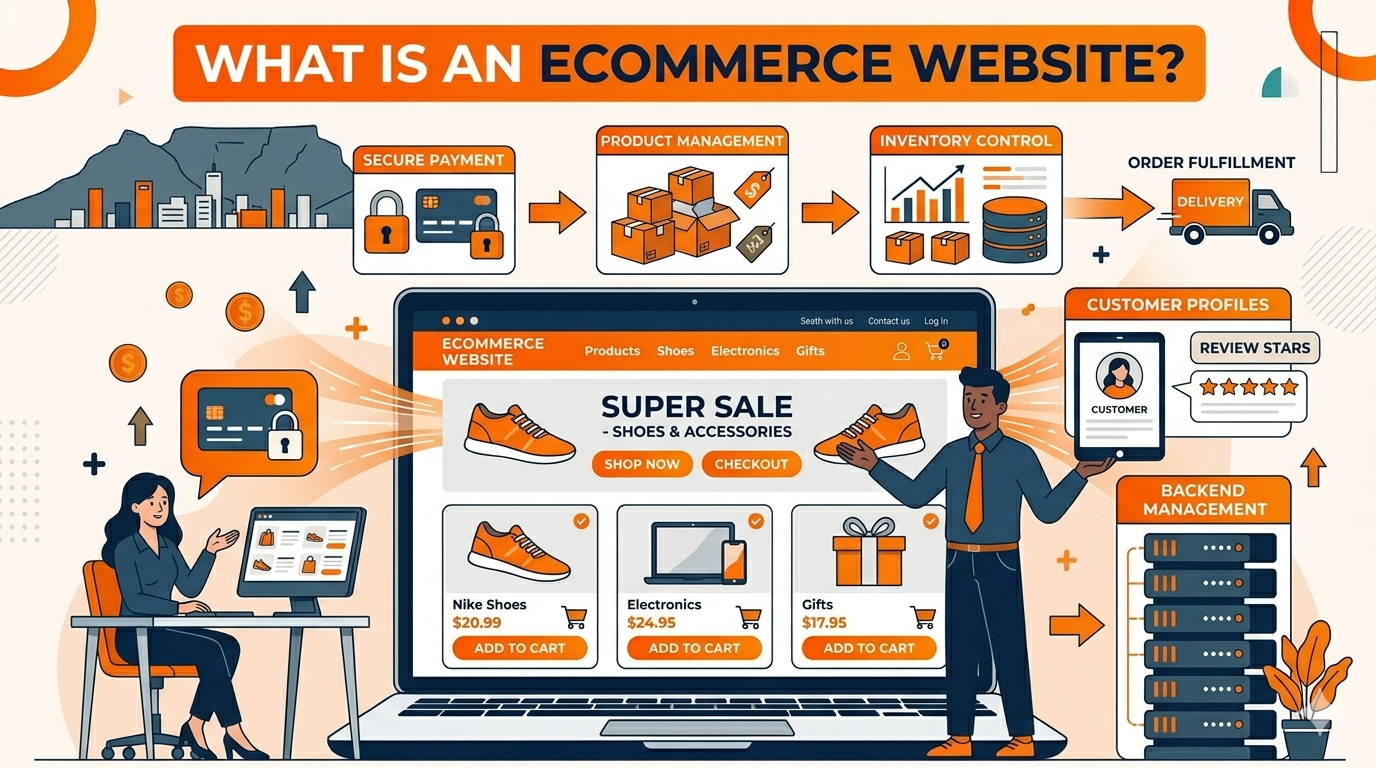
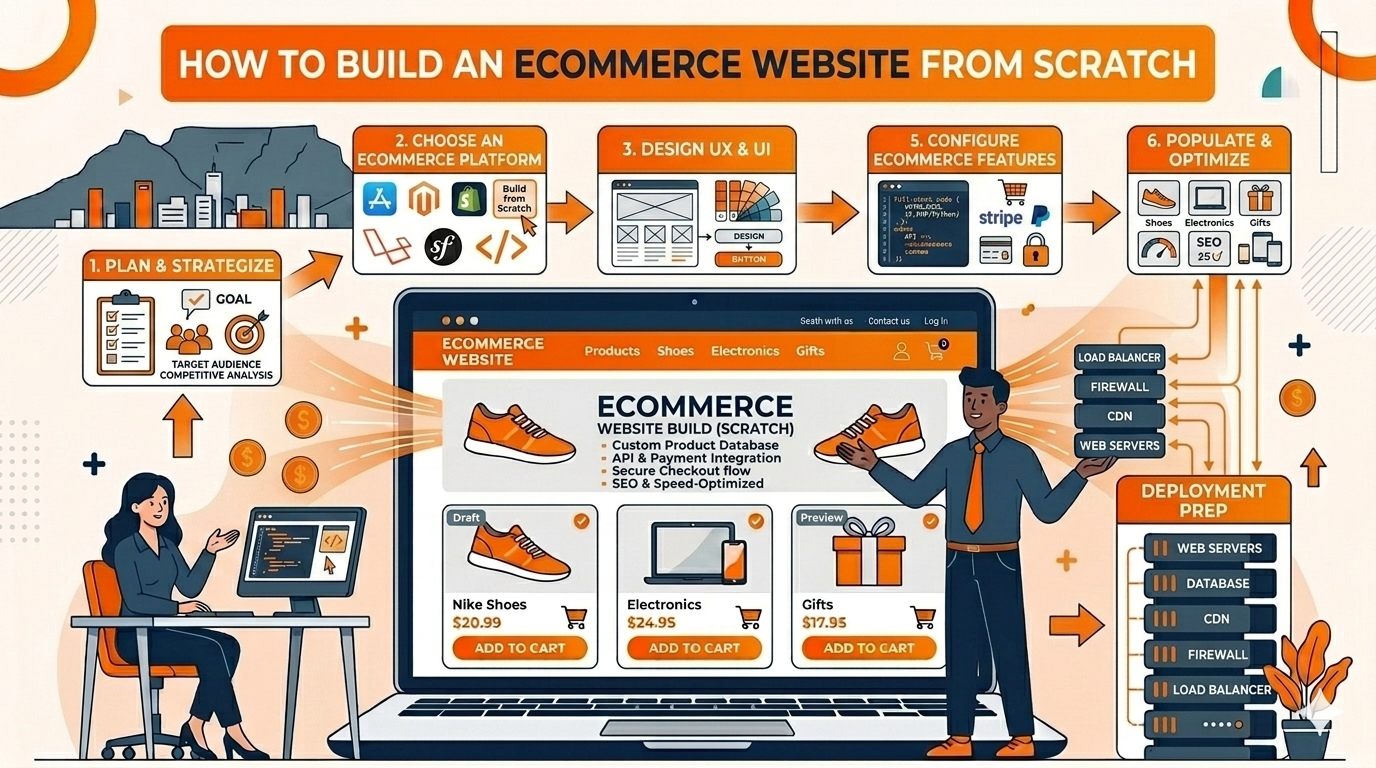
Before diving into the steps, it helps to understand the foundation. Read our guide on what an ecommerce website is if you are completely new to selling online. If you want to go even deeper, our guide on how to build an ecommerce website from scratch covers the full technical setup in detail.
At 99Webiz, we build professional WooCommerce stores for South African businesses — fully set up, mobile-optimised, and ready to take orders from day one. If you would rather have it done for you, view our ecommerce packages here.
Step 1 – Choose the Right Ecommerce Platform
The first decision when building an ecommerce website is choosing which platform to build it on. Your platform is the engine that powers your entire store — your products, your checkout, your payments, and your customer accounts all run through it. The wrong choice here creates headaches down the line.
The Best Ecommerce Platform for South African Small Businesses
- WooCommerce (WordPress) – The most popular choice for South African small businesses. It is free, flexible, and integrates with all major local payment gateways including PayFast and Peach Payments. Most South African web designers, including 99Webiz, build on WooCommerce.
- Shopify – A hosted platform that is easy to use but charges monthly fees in US dollars, which adds up fast with the exchange rate. Payment gateway options for South Africa are more limited.
- Wix eCommerce – Suitable for very small stores but becomes limiting as your business grows. Not ideal for stores with large product catalogues.
WooCommerce on WordPress is the best platform for most South African small businesses. It gives you full control, works with local payment gateways, and has no monthly platform fees — making it the most cost-effective long-term choice.
Step 2 – Get Your Hosting and Domain Name
Once you have chosen WooCommerce as your platform, you need two things: a domain name (your web address, such as yourbusiness.co.za) and web hosting (the server where your store lives). Both are essential before you can build anything.
What to Look for in South African Ecommerce Hosting
- Choose a host with servers in South Africa or Africa to ensure fast load times for local shoppers
- Look for hosting that includes SSL certificates — this secures your store and is required for online payments
- Ensure your hosting plan supports WooCommerce and can handle your expected traffic
- Reliable South African hosting providers include Xneelo (formerly Hetzner), Web Africa, and afrihost
- Register a .co.za domain for local credibility — South African shoppers trust .co.za addresses more than generic .com domains
Step 3 – Choose a Theme That Converts
Your theme controls how your store looks and feels. The wrong theme — one that is slow, cluttered, or not mobile-friendly — will cost you customers before they even look at your products. When building an ecommerce website in South Africa, your theme needs to be fast, clean, and designed to guide shoppers toward the checkout.
Best WooCommerce Themes for South African Online Stores
- Astra – Lightweight, fast, and highly customisable. One of the most popular WooCommerce themes globally and an excellent choice for South African stores.
- Kadence – Another lightweight theme with great ecommerce features built in, including sticky headers and easy product layout controls.
- Flatsome – A premium theme designed specifically for ecommerce, with a built-in page builder and conversion-focused layouts.
- Avoid themes with excessive animations, heavy sliders, and unnecessary features — these slow your store down and hurt conversions.
A beautiful theme that loads slowly will cost you more sales than a simple theme that loads in under two seconds. South African shoppers on mobile data will not wait. Speed always comes first.
Step 4 – Add Your Products the Right Way
Your product pages are where the sale is made or lost. Adding products to WooCommerce is straightforward, but adding them correctly — in a way that builds trust and drives conversions — requires care. Do not rush this step. Weak product listings are one of the biggest reasons South African online stores fail to generate sales.
Upload High-Quality Product Photos
Use clear, well-lit images that show your product from multiple angles. Customers cannot touch or try your product — your photos do all the selling. Include at least three images per product and show the item in use where possible.
Write Clear, Benefit-Focused Descriptions
Do not just list features — explain how the product improves your customer’s life. Include sizes, materials, dimensions, and any details they need to make a buying decision without having to contact you first.
Set Prices in South African Rand (ZAR)
Always display your prices clearly in ZAR. Confirm your WooCommerce currency is set to South African Rand under WooCommerce > Settings > General. Shoppers should never have to guess what they will be charged.
Want Your Store Built and Set Up Correctly From the Start?
We handle everything — platform setup, theme installation, product pages, payment gateways, and launch. All done for you, built for South Africa.
Step 5 – Set Up South African Payment Gateways
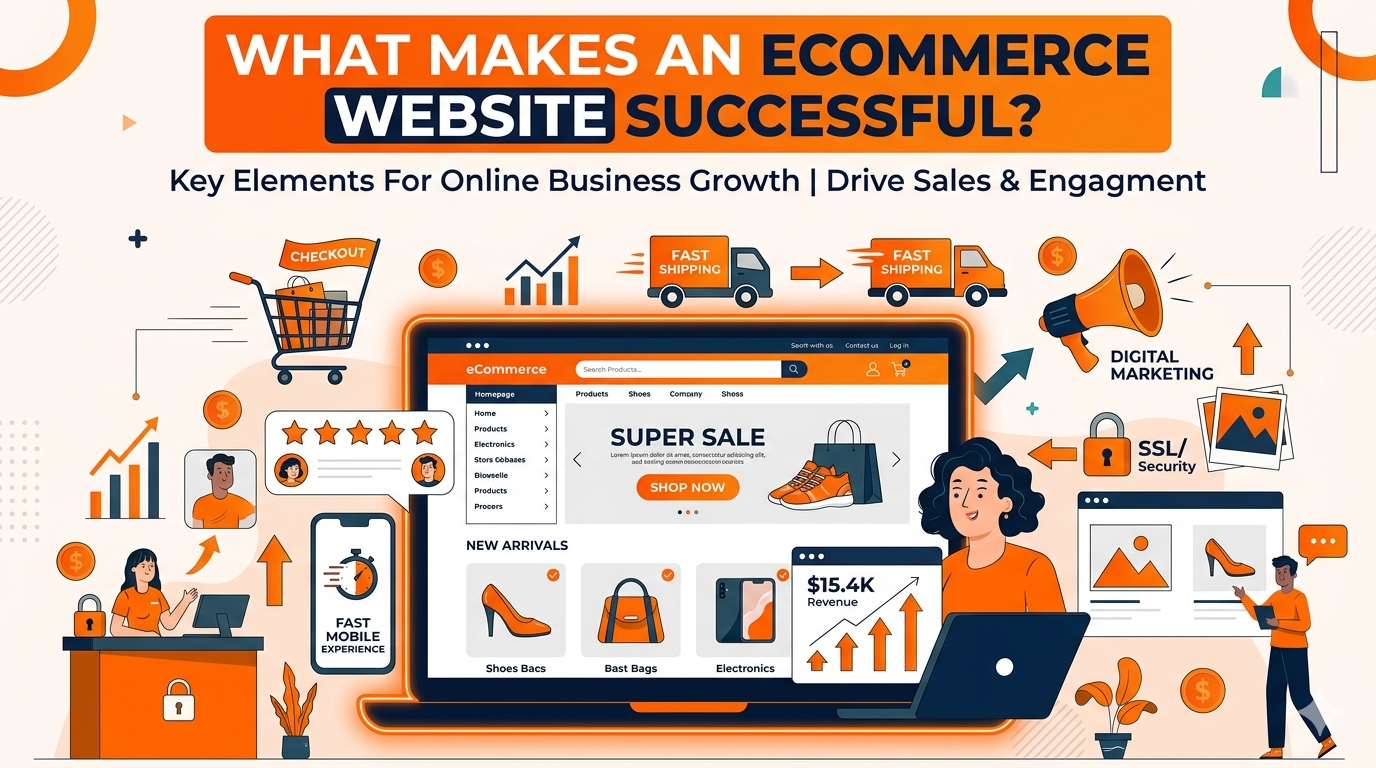
One of the most important steps when you build an ecommerce website in South Africa is connecting a payment gateway that local shoppers recognise and trust. International payment processors are not always the right fit here — South African customers expect to pay using familiar, local options. For a deeper look at what makes these features work together, read our guide on what makes an ecommerce website successful.
Recommended Payment Gateways for South African WooCommerce Stores
- PayFast – South Africa’s most widely used payment gateway. Supports credit and debit cards, instant EFT, SnapScan, and Mobicred. Easy to integrate with WooCommerce via their free plugin.
- Peach Payments – A strong alternative with card and EFT support. Trusted by many South African businesses and straightforward to set up.
- PayGate – Well-known to South African shoppers and widely supported across WooCommerce stores.
- Instant EFT – Many South African shoppers prefer to pay directly from their bank account. PayFast includes this option.
- SnapScan – Popular with urban shoppers for quick, app-based QR code payments.
Step 6 – Configure Shipping and Delivery
Your store needs a clear shipping setup before you launch. South African shoppers want to know upfront how much delivery will cost and how long it will take. Unexpected shipping costs at checkout are one of the top reasons shoppers abandon their carts without completing a purchase.
Shipping Options for South African Online Stores
- Set up shipping zones in WooCommerce for different South African provinces and cities — rates often vary between major cities and rural areas
- Integrate with courier services like The Courier Guy, Fastway (Aramex), or Dawn Wing for automated shipping rates
- Offer free shipping above a minimum order value — for example, free delivery on orders over R500 — to increase average order size
- Display your estimated delivery times clearly on your product pages and at checkout
- If you offer local delivery or click-and-collect in your area, set these up as separate shipping methods in WooCommerce
Step 7 – Set Up SEO Before You Launch
Building an ecommerce website is only half the work — you also need South African shoppers to be able to find it on Google. Setting up basic SEO before you launch puts you ahead of most competitors and means your store starts building search visibility from day one.
SEO Setup Checklist for a New South African Ecommerce Website
- Install Rank Math or Yoast SEO — both have free versions that work well with WooCommerce
- Write unique title tags and meta descriptions for your homepage, category pages, and every product page
- Include your target keywords naturally in your product names and descriptions — for example, “Handmade Soy Candles South Africa” or “Leather Wallets Cape Town”
- Write descriptive ALT text for every product image so Google can index your photos
- Submit your XML sitemap to Google Search Console so Google can crawl and index your store quickly
- Link related products and categories to each other internally — this helps Google understand your store structure
Need Help Getting Your Store Found on Google?
We offer affordable local SEO services from R799/month to help your online store rank higher in South Africa for the products and keywords your customers are already searching for.
Step 8 – Test and Launch Your Ecommerce Website
Before you open your store to the public, you need to test every part of the shopping experience from a customer’s perspective. Launching a store with broken links, a faulty checkout, or missing payment confirmation emails will damage customer trust and cost you sales from day one. For the complete technical setup walkthrough, read our guide on how to build an ecommerce website from scratch.
Place a Test Order End-to-End
Use your payment gateway’s sandbox or test mode to simulate a real purchase. Add a product to your cart, go through the checkout, and confirm you receive both the order confirmation email and the payment notification. Fix any issues before going live.
Check Your Store on Mobile
Open your store on a smartphone and navigate through your product pages, add to cart, and checkout. Most South African shoppers will visit on mobile first — your store must work perfectly on small screens before you launch.
Check All Trust Signals Are Visible
Confirm your SSL certificate is active (look for the padlock in the browser address bar), your payment gateway logos are visible at checkout, and your returns policy, contact details, and WhatsApp number are easy to find. South African shoppers look for these before they buy.
- WooCommerce is the best platform for most South African small businesses — flexible, free, and fully compatible with local payment gateways
- Choose South African hosting with SSL included to keep your store fast and secure
- Use a lightweight theme like Astra or Kadence — speed matters more than visual flair
- Invest time in great product photos and benefit-focused descriptions — your product pages make or break your conversions
- Set up PayFast as your primary payment gateway — it is what South African shoppers know and trust
- Configure your shipping zones and delivery times clearly before launch — surprise costs kill conversions
- Install Rank Math or Yoast SEO and complete basic SEO setup before your store goes live
- Always test your full checkout on mobile before launching — most of your customers will shop on their phones